

What is internal linking and why does it matter?
Internal linking is simply linking from one page on your site to another page on your own site. The concept is straightforward, but the true value is in the why and the how of those links. A link should give a reader a useful next step and also help search engines understand how pages relate to each other. For example, a reader of an article about technical SEO may want to know how to apply technical SEO to their business. A relevant link to a technical SEO service page provides that reader an easy next step without having the reader leave the website and find that information again.
Internal linking also assists search engines in crawling a website to find pages. Natural links are links between relevant pages. They give extra information about the structure and content of the site. But it's not about just stuffing in as many links as you can. It’s not about more links on a page, it’s about relevance and context, which is far more important. This is why internal linking in SEO should be approached as part of the overall website structure rather than as a simple tactic for adding more links.
Build a Simple Content Structure
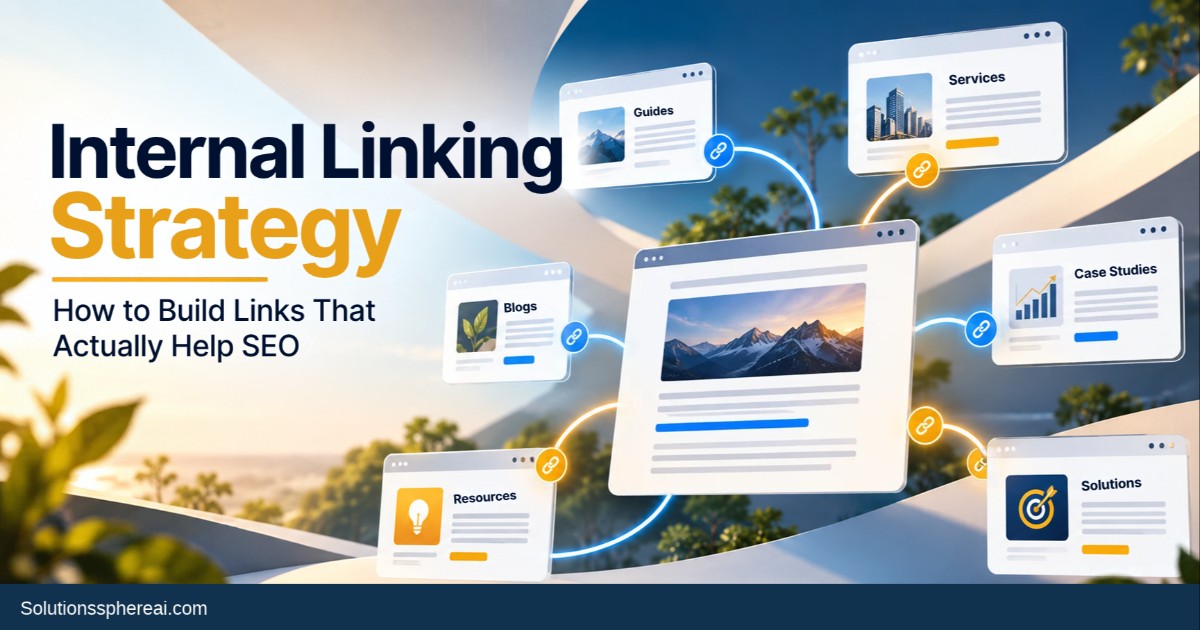
Before you can start adding internal links, you have to know how your website content works with each other. A website should never feel like a haphazard collection of pages that just happen to be hosted on the same domain. Core pages can be your main service or solution pages, with supporting blogs, guides, case studies, FAQs and industry specific content giving them further depth.
For instance, a B2B digital marketing company may have a primary SEO services page and supporting articles on Keyword Research, Technical SEO, Content Strategy, Topic Clusters, Search Intent, and Organic Search Visibility. These pages are well-linked and make a clean content ecosystem. A visitor finds the website from an educational blog, can learn about a related topic, get the bigger picture of the solution, and then, when ready to take the next step, finally land on a relevant service page.
Relevance Based Link Pages
One of the biggest mistakes businesses make with internal linking is linking pages together just because they have similar keywords. Simply because the keywords are similar does not mean that the two pages are relevant to each other. The more useful question is: what would the reader actually want to know next?
Let’s say someone reads an article about building a topic cluster strategy. Keyword research is an essential part of building a topic cluster, so a link to a more in-depth article on keyword research would be helpful. It's also worth linking to a relevant SEO service page if the reader needs help implementing the strategy. But if you link to an unrelated page just because it has the word “SEO” in it, it’s not very valuable.
The best internal links feel natural. They seem to be placed where the reader could actually use more information, not just there because an SEO checklist says the page needs more internal links. Developing practical internal linking strategies around relevance helps ensure that every link has a clear purpose for the reader.
Use Descriptive Anchor Text Organically
Anchor text is the visible text in an internal link that gives context to the page you are linking to. Generic phrases such as “click here” or “read more” don’t tell the reader much about what they’ll find after clicking.
Descriptive phrases, however, make the connection more useful. For example, instead of ‘click here to learn more,’ you might say ‘explore our technical SEO services’ or ‘learn how topic clusters can enhance your SEO strategy.’ The anchor text should be relevant to the destination page and should flow naturally with the sentence.”
Concentrate on Your Best Pages
Business-wise, not all website pages are equal. A company can have thousands of blog posts, but only a fraction of those pages will actually drive leads, sales or growth for the company. These could be service pages, solution pages, product pages, industry pages, case study and high-value resources.
Key pages should have strong relevant internal links. For instance, a B2B business advertising its SEO services could write relevant articles on keyword research, technical SEO, content strategy and visibility in search, which would naturally lead readers to the service page in question.
Link New Content With Existing Content
Publishing a new blog isn’t the end of your internal linking process. Each time you publish a new article, check your existing content for pages that can naturally link to your new article.
For example, you write a brand new article on long-tail keywords. Older articles on keyword research, search intent, content planning, and SEO strategy could give you opportunities to link to it. Updating those legacy pages strengthens the link across the site and helps your new content get into the existing content ecosystem.
Internal linking to reinforce topic clusters
But the power of internal linking really ramps up when combined with a topic cluster strategy. Companies can structure their content around larger topics rather than writing separate articles that rank for unrelated keywords.
A pillar page covers a broad topic and is accompanied by supporting articles that answer more specific questions about that topic. These supporting pages can then link back to the pillar page and where appropriate to other related articles
This method also provides a better experience for visitors. A person who is interested in one aspect of a topic can easily explore another aspect related to it, without leaving the website.
Don’t add too many links.
More internal links are not necessarily better for SEO. And a page full of links can actually be harder to read. Visitors may have trouble determining which information is important. Too many links can make the content feel unnatural.
The goal should be to be helpful. “If a link is going to help the reader understand a concept better, explore a related topic, or take a logical next step, it’s worth considering. If the link is only added to increase the number of internal links on the page, then it probably shouldn’t be there.
It’s the same principle when you link to the same page over and over again. Just because it’s a service page doesn’t mean an important page needs to be linked from every paragraph. Repeating something is not as effective as placing it strategically.
Find orphan pages and fix
An orphan page is a page to which there are few or no internal links. Visitors may have a hard time finding these pages using the usual website navigation, and they may be less well incorporated into the rest of the site’s content structure.
An internal linking audit should find important pages that are disconnected from the rest of the website. Ideally, a good blog, service page, guide, or case study should have relevant page authority links.
Fixing orphan pages isn’t about adding links willy-nilly. A better approach is to find existing pages where the orphaned content adds value and create contextual links from those pages.
Check out the User Journey
Internal linking on B2B websites shouldn’t just be about helping with search visibility. It should also reflect how potential customers actually research a business.
For example, a visitor might find a company through an educational blog post. They might then read another article to better understand the problem, read a case study to see how the company has helped others, and then go to a service page before making an inquiry.
These stages can be internally correlated. Rather than making visitors work to find out what to do next, the website can subtly deliver relevant information to them at the right point in their research process.
This is especially true in the B2B space where purchasing decisions are often more thoughtful. Before contacting a company, visitors may need several pieces of information. A well-connected website can smooth out that research process.
Regularly audit your internal links.
Don’t treat internal linking as a one-off SEO exercise. Websites are always changing. Adding new content Removing old pages Changing URLs Updating services Changing business priorities
Regular audits can help you identify broken internal links, unnecessary redirects, orphan pages, poorly connected content and important pages that are not receiving enough internal links. SEO tools can help discover technical problems but the true relevance of each link still requires human judgment.
You should also take a look at your best performing pages. If a blog is getting consistent organic traffic, consider whether it has helpful links to related content and key business pages. A piece that gets a lot of traffic but leaves its visitors hanging is a missed opportunity.
Internal linking isn’t just an SEO tactic.
Internal linking also has value outside of rankings. It’s about creating a better experience for your website visitors.
When related pages are well linked, visitors can flow naturally from one topic to another. Search engines are more capable to understand the relationship between different parts of content. Older content can continue to add value rather than being buried in the website’s archive, and important pages become easier to discover.
For businesses, this means a more connected digital experience. Your blogs don’t stand as standalone articles. Your service pages are not disconnected landing pages anymore. Your case studies, guides and resources are all one big journey.
How SSAI helps SEO
At SolutionsSphereAI (SSAI) we believe that good SEO is about setting a solid digital foundation and not getting hung up on specific keywords. That’s part of a bigger strategy that includes internal linking, content strategy, technical SEO, search intent, topical authority, and search visibility.
SSAI believes by strategically linking valuable content together and creating clearer paths through a website, businesses can build an SEO framework that supports sustainable organic growth and improves user experiences.